
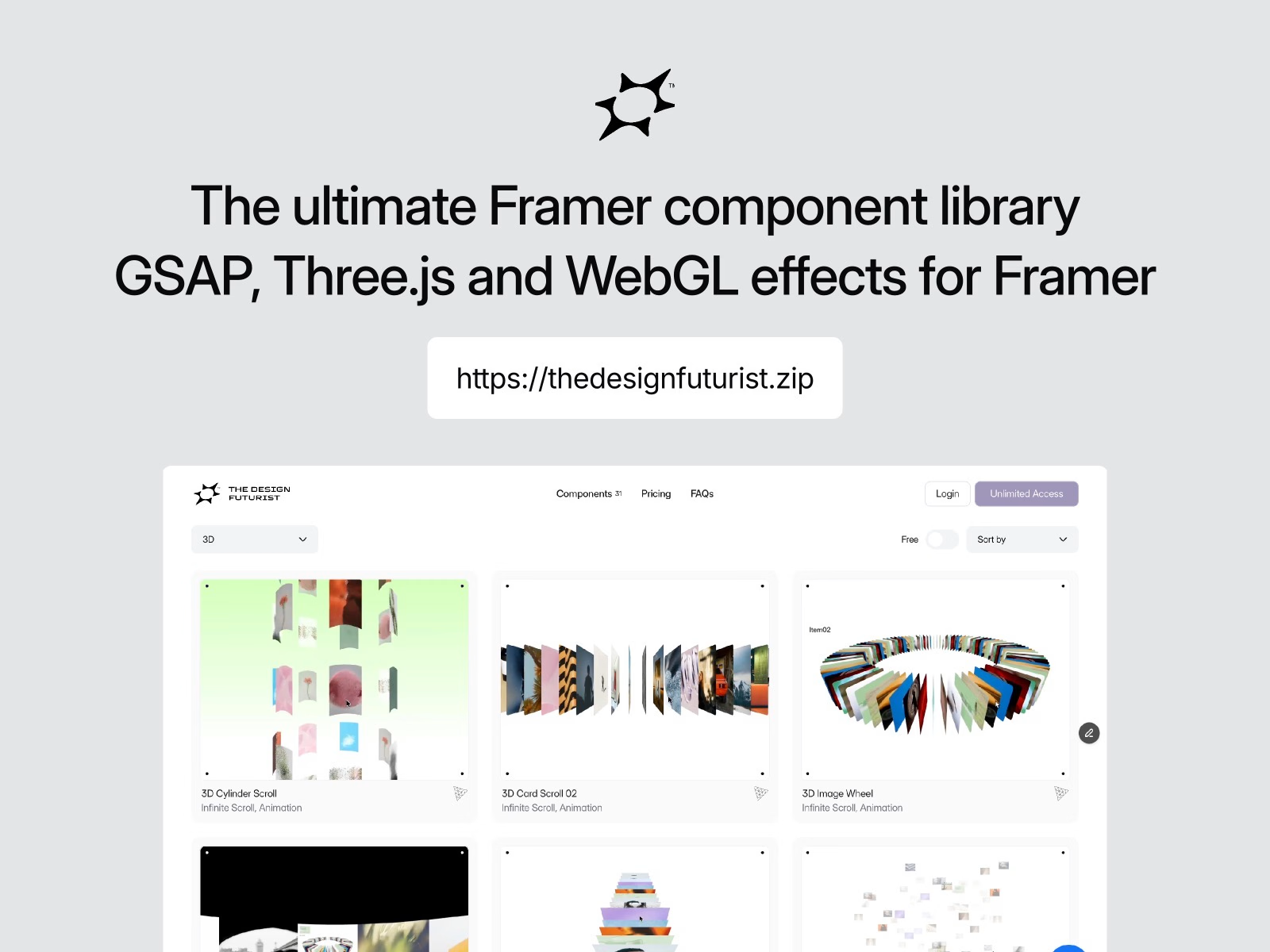
Premium Framer components and templates
✶ Explore the full collection → https://thedesignfuturist.zip
✶ Unlimited access → https://thedesignfuturist.zip/pricing
Live Preview
About
This Three.js 3D Image Wheel syncs instantly with your Framer CMS. Connect fields to display items and link to detail pages in seconds. Fully touch-optimized and high-performance, it’s the fastest way to build a stunning, professional portfolio.
Customizable Properties
Content & CMS
Image: Connect your CMS image field.
Title: Connect your CMS text field for the hover overlay.
Link: Connect your CMS link or detail page.
Open in New Tab: Toggle to open links in a new browser tab.
Item Repeat: Set how many times the CMS items repeat to fill the 3D wheel (1x to 10x).
Card Style
Width: Adjust the width of the 3D cards (px).
Height: Adjust the height of the 3D cards (px).
Radius: Set the corner radius for the 3D card geometry (px).
Preview Style (Hover Overlay)
Width: Set the width of the hover preview window.
Height: Set the height of the hover preview window.
Position: Choose from 7 layout positions (Top Left, Center, Bottom Right, etc.).
Radius: Set the corner radius of the preview image.
Font: Fully customize the title font (Family, Size, Weight, Alignment).
Text Color: Set the color for the preview title text.
Intro Animation
Enabled: Toggle the startup rotation animation.
Physics: Customize the rotation feel using Framer’s transition settings (Spring/Tween).
Spins: Set the number of rotations during the intro (0 to 20).
License
This product can be used for both personal and commercial purposes. However, redistribution and resale of the product are strictly prohibited. Click here for more information
Refund Policy
All sales of digital products are final and non-refundable.
If you have any questions about a product, please contact us at hello@thedesignfuturist.zip before completing your purchase. We are happy to provide assistance.
✶ Have questions? → hello@thedesignfuturist.zip
✶ Need a custom project? → https://thedesignfuturist.zip/project-inquiry
Get it for$15.00
Buy This One
$15.00
Get instant access to this component only.
Tags
Framer

Framer Commerce

three.js

Framer Designer
Framer Developer
Product created by
thedesignfuturist .zip maxSeoul, South Korea
- $1k+
- Earned
- 6
- Paid projects
- 5.00
- Rating
- 34
- Followers
thedesignfuturist's other products
Unlimited access to all Framer resources
$99.00
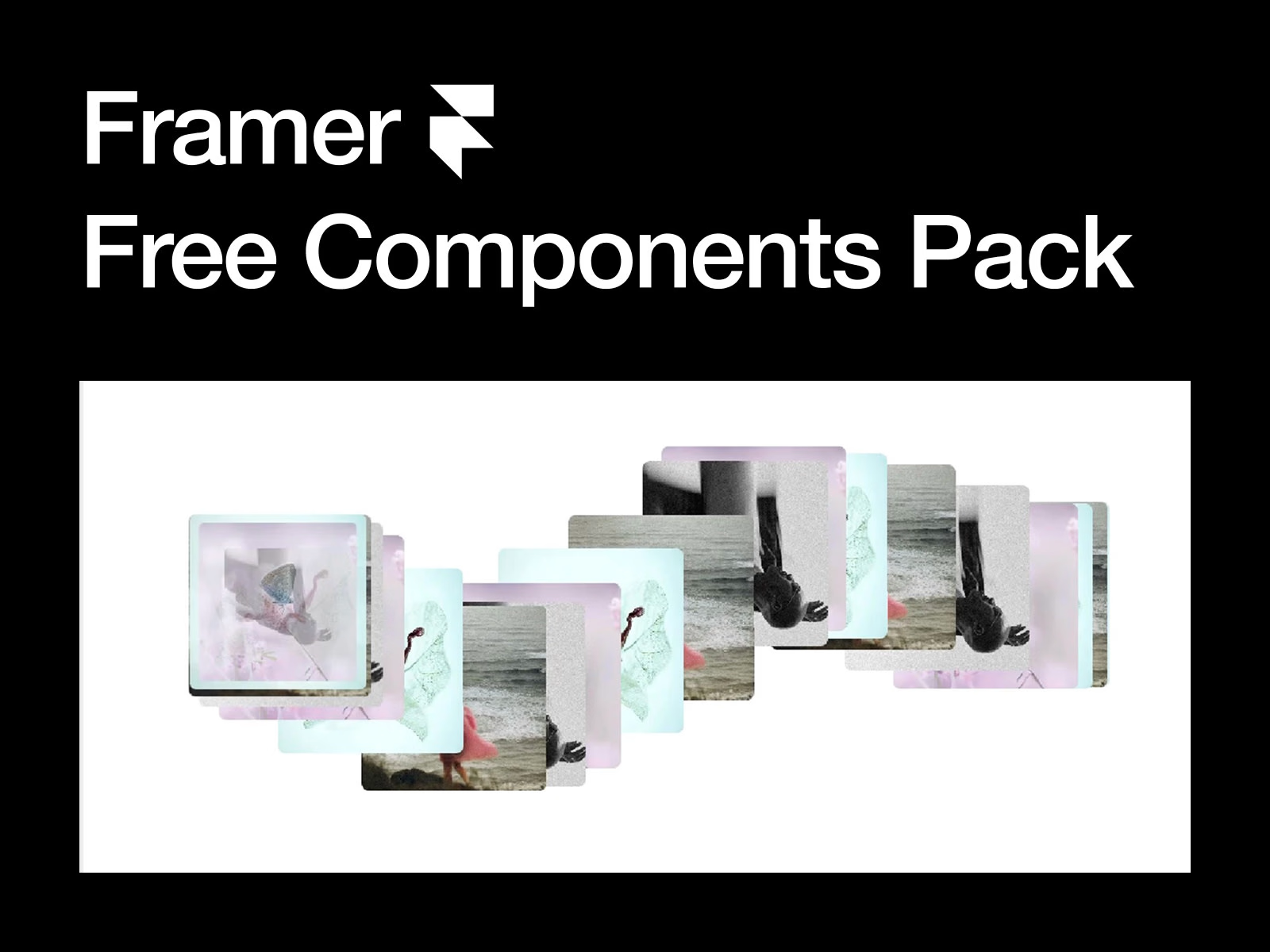
(Free) Framer Components Pack
$0.00
Get it for$15.00
Buy This One
$15.00
Get instant access to this component only.
Tags
Framer
Framer Commerce
three.js
Framer Designer
Framer Developer
Premium Framer components and templates
✶ Explore the full collection → https://thedesignfuturist.zip
✶ Unlimited access → https://thedesignfuturist.zip/pricing
Live Preview
About
This Three.js 3D Image Wheel syncs instantly with your Framer CMS. Connect fields to display items and link to detail pages in seconds. Fully touch-optimized and high-performance, it’s the fastest way to build a stunning, professional portfolio.
Customizable Properties
Content & CMS
Image: Connect your CMS image field.
Title: Connect your CMS text field for the hover overlay.
Link: Connect your CMS link or detail page.
Open in New Tab: Toggle to open links in a new browser tab.
Item Repeat: Set how many times the CMS items repeat to fill the 3D wheel (1x to 10x).
Card Style
Width: Adjust the width of the 3D cards (px).
Height: Adjust the height of the 3D cards (px).
Radius: Set the corner radius for the 3D card geometry (px).
Preview Style (Hover Overlay)
Width: Set the width of the hover preview window.
Height: Set the height of the hover preview window.
Position: Choose from 7 layout positions (Top Left, Center, Bottom Right, etc.).
Radius: Set the corner radius of the preview image.
Font: Fully customize the title font (Family, Size, Weight, Alignment).
Text Color: Set the color for the preview title text.
Intro Animation
Enabled: Toggle the startup rotation animation.
Physics: Customize the rotation feel using Framer’s transition settings (Spring/Tween).
Spins: Set the number of rotations during the intro (0 to 20).
License
This product can be used for both personal and commercial purposes. However, redistribution and resale of the product are strictly prohibited. Click here for more information
Refund Policy
All sales of digital products are final and non-refundable.
If you have any questions about a product, please contact us at hello@thedesignfuturist.zip before completing your purchase. We are happy to provide assistance.
✶ Have questions? → hello@thedesignfuturist.zip
✶ Need a custom project? → https://thedesignfuturist.zip/project-inquiry
thedesignfuturist's other products
Unlimited access to all Framer resources
$99.00
(Free) Framer Components Pack
$0.00
$15.00