
Bring images and videos to life with physics-based water ripples that follow every cursor movement. Built on the original Codrops shadow trick — the most realistic WebGL distortion on the Framer Marketplace. Blend Modes, Cover, Contain, Fill & Center included.
About this Component
Water Ripple Effect brings your images and videos to life with physics-based cursor-driven ripples — built on the exact algorithm from the award-winning OpenGL. The secret is the shadow trick canvas technique: each ripple is drawn outside the canvas and projected back in as a Gaussian-blurred shadow, giving that organic, liquid-edge feel no other component replicates. Dual easing (easeOutSine + easeOutQuad) and moving trail points make every movement feel genuinely fluid.
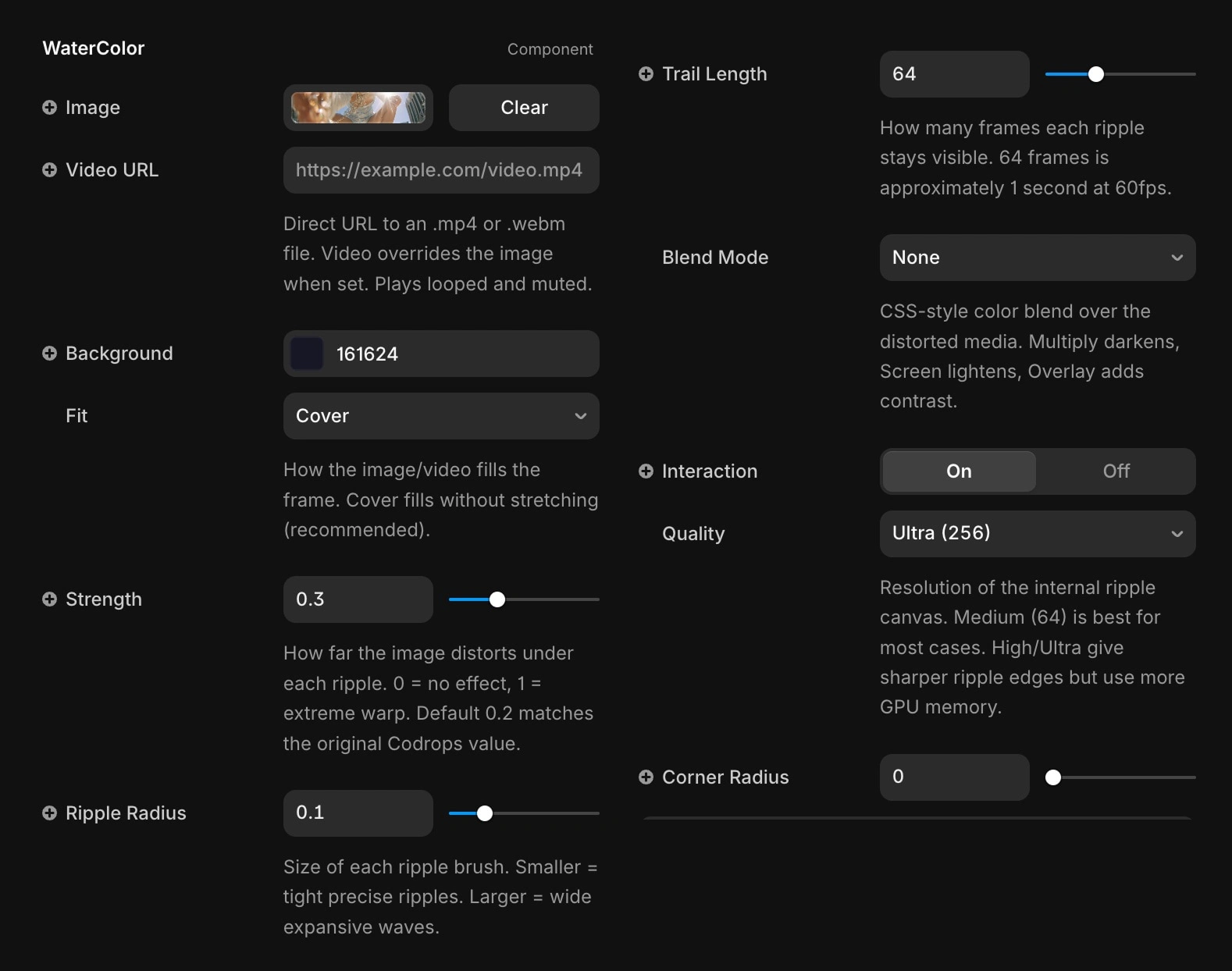
Props - Liquid Water Effect
Key Features
Image & Video support — upload any image or paste a direct video URL (.mp4 / .webm). Video plays looped, muted, and auto-plays.
Blend Modes — Multiply, Screen, and Overlay applied in the GPU shader. Pick a color and opacity to stylize your media in real time.
Object Fit — Cover, Contain, Fill, and Center. Your media always fits the frame correctly, never stretched.
Physics-based ripples — fast cursor = strong ripple, slow = gentle. Force-sensitive exactly like real water.
Mouse & Touch — works on desktop and mobile via Pointer Events.
GPU-accelerated — WebGL rendering at 60fps, even on mobile.
Full property controls — Strength, Ripple Radius, Trail Length, Quality, Corner Radius, and more. All with descriptions.
Default canvas size — drops onto the canvas at 600×400px, ready to use.
Perfect For
Hero sections, portfolio galleries, product showcases, creative agencies, photographer portfolios, and any site that needs a premium interactive feel.
How to Use
Drag the component onto your canvas
Upload your image via the Image property
Choose your Fit mode (Cover recommended)
Set Strength to taste (default 0.2 matches the original)
Publish — the effect activates on mouse move
Get it for$10.00
Tags
Framer

React

WebGL

Framer Developer
Product created by
Fabrizzio Zampieri proDenver, USA
- $25k+
- Earned
- 11
- Paid projects
- 4.84
- Rating
- 390
- Followers
Fabrizzio's other products
Framer Blur Text Reveal
$10.00
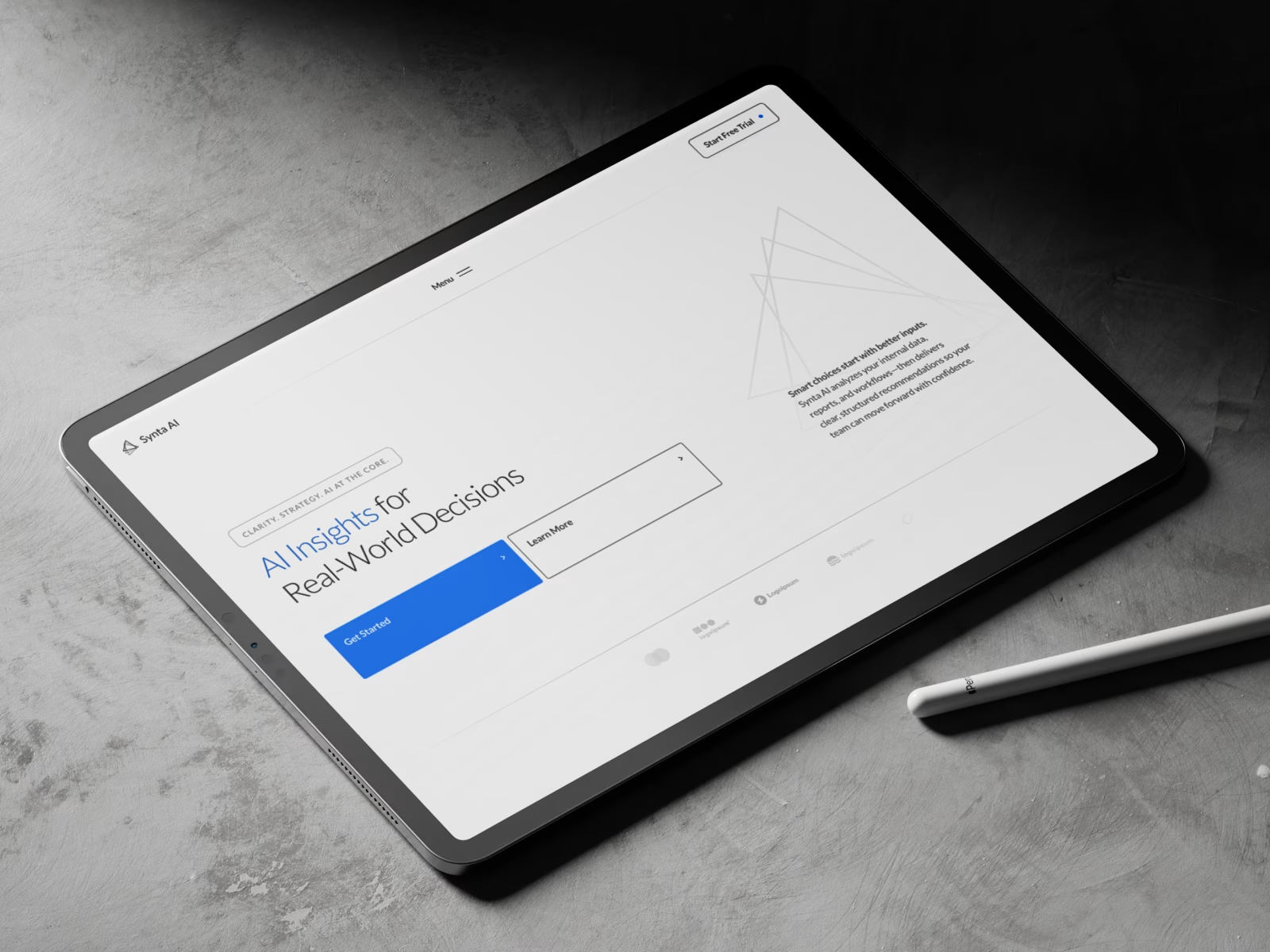
Synta – Framer AI & SaaS Template
$53.00
Get it for$10.00
Tags
Framer
React
WebGL
Framer Developer
Bring images and videos to life with physics-based water ripples that follow every cursor movement. Built on the original Codrops shadow trick — the most realistic WebGL distortion on the Framer Marketplace. Blend Modes, Cover, Contain, Fill & Center included.
About this Component
Water Ripple Effect brings your images and videos to life with physics-based cursor-driven ripples — built on the exact algorithm from the award-winning OpenGL. The secret is the shadow trick canvas technique: each ripple is drawn outside the canvas and projected back in as a Gaussian-blurred shadow, giving that organic, liquid-edge feel no other component replicates. Dual easing (easeOutSine + easeOutQuad) and moving trail points make every movement feel genuinely fluid.
Props - Liquid Water Effect
Key Features
Image & Video support — upload any image or paste a direct video URL (.mp4 / .webm). Video plays looped, muted, and auto-plays.
Blend Modes — Multiply, Screen, and Overlay applied in the GPU shader. Pick a color and opacity to stylize your media in real time.
Object Fit — Cover, Contain, Fill, and Center. Your media always fits the frame correctly, never stretched.
Physics-based ripples — fast cursor = strong ripple, slow = gentle. Force-sensitive exactly like real water.
Mouse & Touch — works on desktop and mobile via Pointer Events.
GPU-accelerated — WebGL rendering at 60fps, even on mobile.
Full property controls — Strength, Ripple Radius, Trail Length, Quality, Corner Radius, and more. All with descriptions.
Default canvas size — drops onto the canvas at 600×400px, ready to use.
Perfect For
Hero sections, portfolio galleries, product showcases, creative agencies, photographer portfolios, and any site that needs a premium interactive feel.
How to Use
Drag the component onto your canvas
Upload your image via the Image property
Choose your Fit mode (Cover recommended)
Set Strength to taste (default 0.2 matches the original)
Publish — the effect activates on mouse move
Fabrizzio's other products
Framer Blur Text Reveal
$10.00
Synta – Framer AI & SaaS Template
$53.00
$10.00