Freelancers using CATIAFreelancers using CATIABehind the Design: The Ember Roastery Commercial
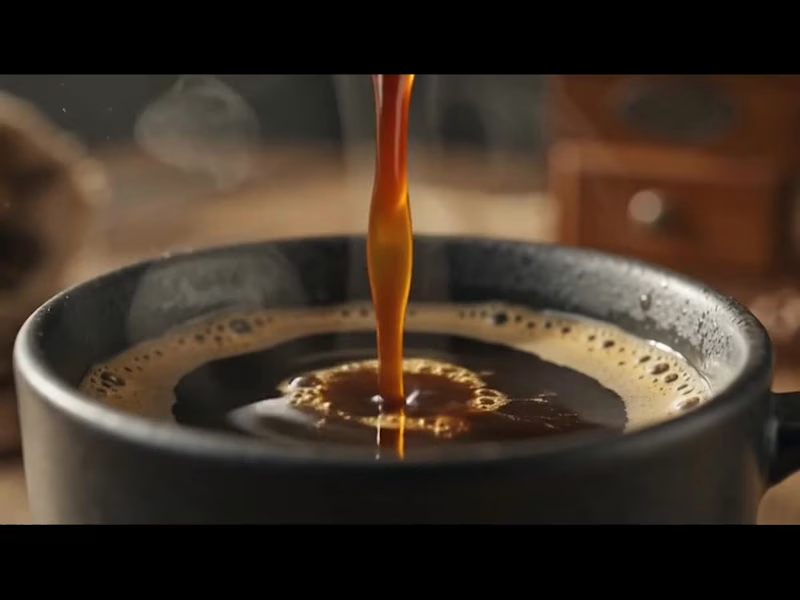
Ever wondered how a warm, sensory coffee commercial transitions from initial concept to a photorealistic CGI masterpiece? Here is the complete A-to-Z breakdown of how this project was crafted using industry-standard 3D and CAD software tools.
How It Was Created (A to Z Workflow)
Precision CAD Modeling & Blueprinting:
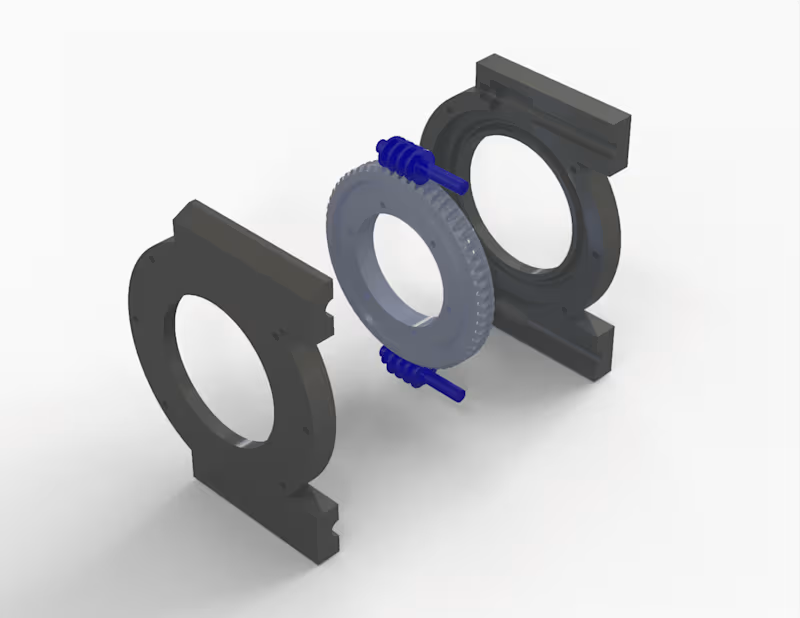
AutoCAD was used to draft accurate 2D structural dimensions and technical proportions for the ceramic mug, pour-over cone, and vintage coffee grinder.
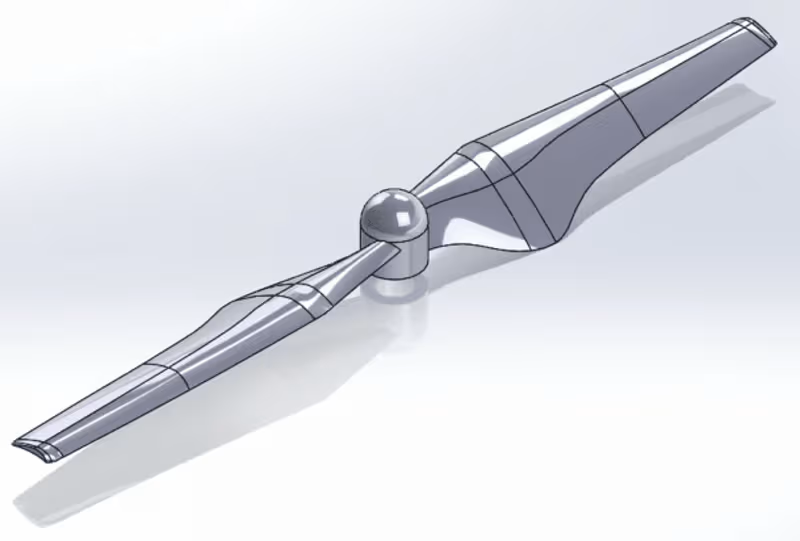
SolidWorks and CATIA were utilized for parametric engineering, ensuring every physical asset—from the custom "Ember Roastery" logo depth to the precise ceramic wall thickness and mechanical grinder parts—was modeled with real-world precision.
Asset Refining, Fluid Physics & Scene Setup:
The precise CAD assets were imported into Blender to assemble a full 3D model scene.
Blender was used to simulate realistic liquid physics (the coffee pour and surface ripples), dynamic steam/smoke micro-particles, and subtle atmospheric dust floats illuminated by warm sunlight.
Lighting, Shading & Photorealistic Rendering:
Natural window lighting, depth of field, and rich ceramic textures (matte black mug, polished glaze drip cone, raw wooden table) were configured to evoke a cozy morning atmosphere.
A high-performance 3D renderer was used to calculate photorealistic ray tracing—capturing complex light refractions in the coffee liquid droplets, glossy surface highlights, and realistic fluid physics across every frame.
Want to bring your product vision to life with cinematic quality?
Whether you need hyper-realistic food and beverage simulations, 3D mechanical models, or high-converting promotional commercials for your brand, let’s collaborate.
📩 Send me a direct message today to elevate your product visualization! Behind the Design: Next-Gen 3D Footwear Visuals
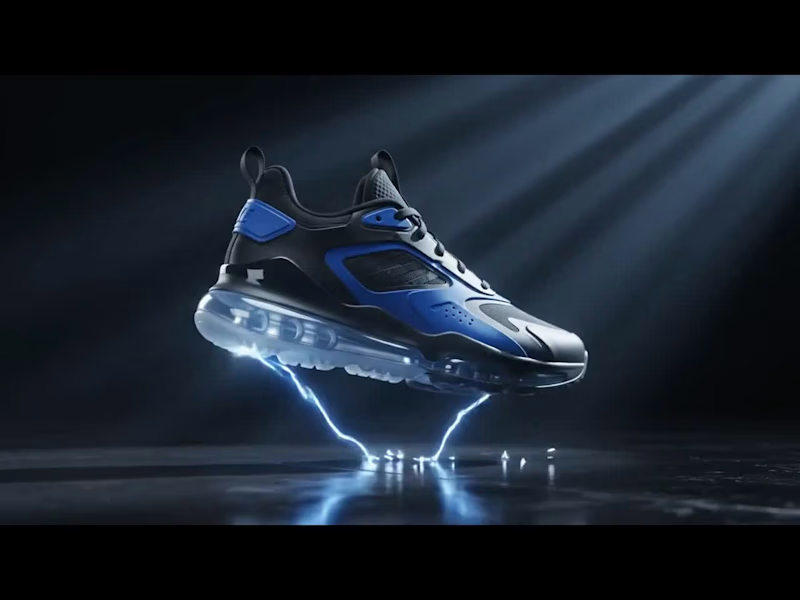
Ever wondered how a high-performance sneaker transitions from a CAD blueprint into a photorealistic, dynamic CGI commercial? Here is the complete breakdown of how this project was brought to life from A to Z using industry-standard 3D tools.
How It Was Created (A to Z Workflow)
Precision CAD Modeling & Drafting:
AutoCAD was used to establish the exact layout schematics and proportion blueprints for the sole unit, air cushioning chambers, and upper panels.
SolidWorks and CATIA were utilized for parametric mechanical modeling, ensuring structural components—like the clear air-cushion sole, tread patterns, and TPU eyelets—were engineered with real-world, production-grade precision.
3D Asset Refining & FX Integration:
The precise CAD geometry was brought into Blender to assemble a high-detail 3D model ready for animation.
Custom textures were developed for the matte leather, breathable mesh, and transparent air unit. Volumetric smoke, particle shockwaves, and luminous energy VFX were added around the shoe to give it an explosive, high-energy reveal.
Lighting, Motion & Rendering:
Cinematic volumetric lighting and dynamic camera motion were orchestrated to capture every angle—from the detailed sole traction to the glossy side panels.
Using a high-performance 3D renderer, realistic ray tracing was calculated to process complex reflections, glowing particle interactions, and transparent light refractions across every single frame.
Ready to elevate your product line with high-impact visual content?
Whether you need photorealistic product visualization, precision CAD modeling, or cinematic 3D commercials for your e-commerce brand, I’m here to turn your vision into reality.
📩 DM me today to transform your product visuals into high-converting CGI experiences! Behind the Design: Crafting the Meridian Luxury Timepiece
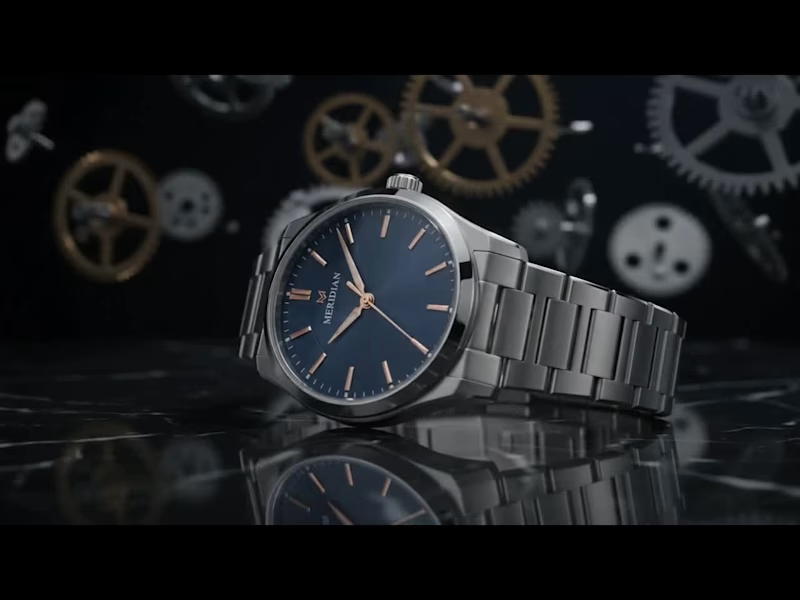
Ever wondered how a high-end luxury watch goes from concept to photorealistic motion? Here is a breakdown of how this showcase was created from A to Z using industry-standard 3D design tools.
How It Was Created (A to Z Workflow)
Precision CAD Modeling:
Using SolidWorks, AutoCAD, and CATIA, every mechanical component—from the intricate watch casing, bezel, and link bracelet down to the floating background gears—was engineered using precise parametric measurements to ensure exact real-world dimensions and mechanical accuracy.
Refining & Scene Assembly:
The precise CAD geometry was imported into Blender to assemble the full scene. Here, organic details like the micro-grooved dial face, subtle metallic textures, brush patterns, and the polished marble reflective surface were crafted.
Lighting & Motion:
Dynamic studio lighting setups, depth of field (cinematic background blur), and smooth camera push-ins were configured to highlight the metallic sheen, rose-gold accents, and delicate typography.
Photorealistic Rendering :
Using a high-end 3D renderer, realistic ray tracing was calculated—capturing complex light reflections, refractions on the sapphire glass, and realistic material physics across every frame.
Want to bring your product vision to life with cinematic quality?
Whether you need photorealistic product visualization, 3D mechanical models, or high-impact promotional animations for your brand, let’s make it happen.
📩 Send me a direct message today to elevate your product visualization!