Framer Website Design Projects in Vienna
Framer Website Design Projects in Vienna
Sign Up
Post a job
Sign Up
Log In
Filters
2
Projects
People
Message
13
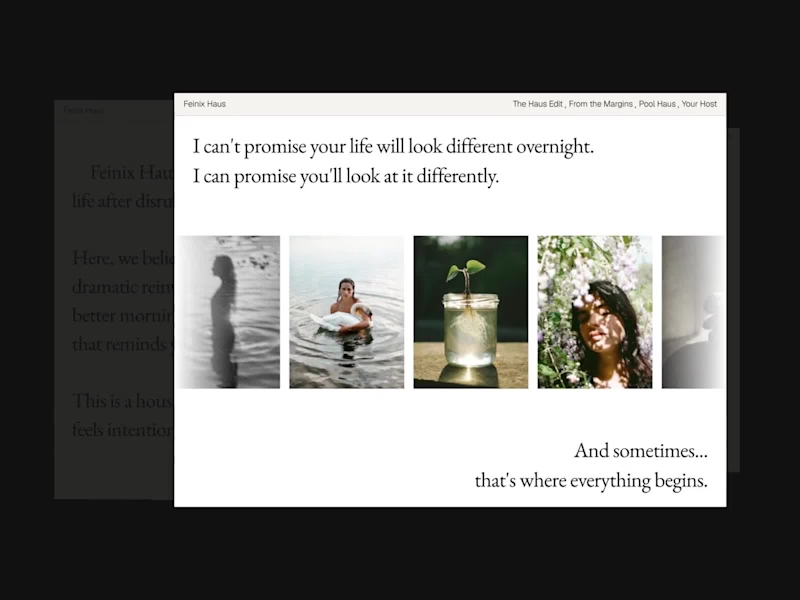
Studio Ilker
Feinix Haus Website
13
668
Message
0
Paul Jochum
Maier
0
31
Message
3
Rafael Rabl
Officially a Framer Expert ✨ Now taking on a small number of new Framer projects per quarter. Brand identity and websites for fintech, health, and consulting companies where trust is the product. DM open.
1
3
171
Message
1
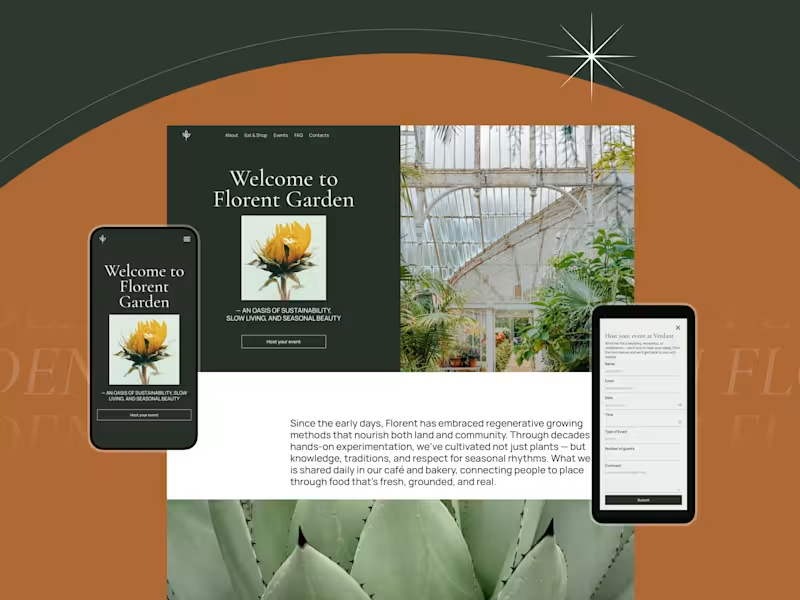
Elizaveta Fomicheva
Florent — Framer Website Template for Natural Spaces
1
16
Message
0
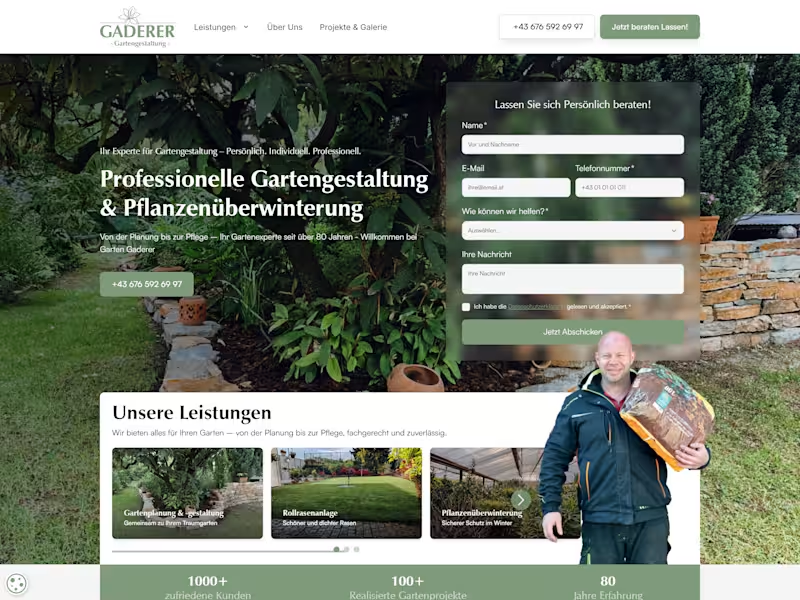
Christian Hoffmann
Website Design and Development for Local Gardening
0
6
Message
0
Beniamin Gherman
App presentation website for USA-based business
0
9
Message
1
Caro di Lello
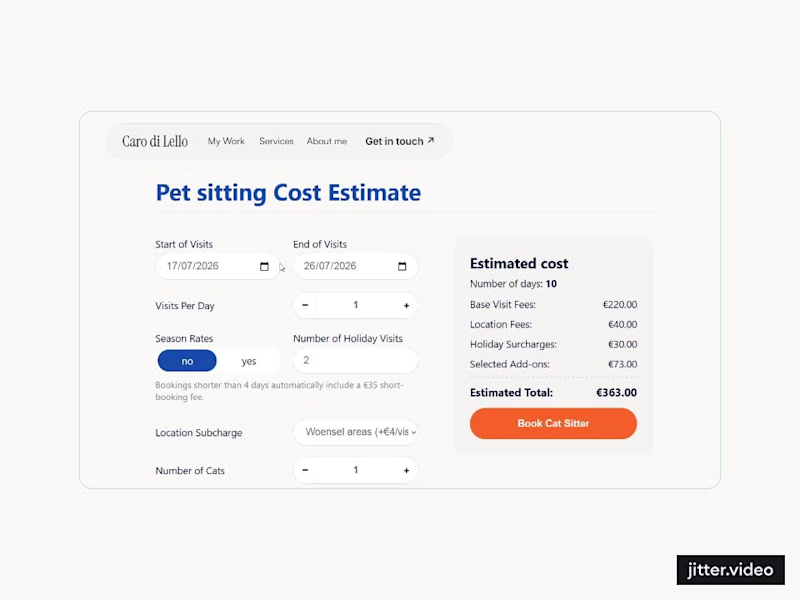
My new client runs a top-tier pet services business in Eindhoven. Her personalized care means highly complex pricing—fees shift based on daily visits, peak seasons, pet count, location, and add-ons. She desperately needed an upfront interactive calculator to filter out window-shoppers and automate quoting. The Challenge: Existing Framer pricing plugins couldn't handle her multi-layered conditional logic or required expensive monthly subscriptions that didn't make sense for an independent business. The Solution: Instead of settling for a restrictive template, I built a custom solution. As a designer (not a developer), I used Gemini to engineer the custom React code for her exact mathematical logic. I deployed it as a native Framer code component and used Framer's AI Agent to style it perfectly to match her brand. We are just getting started, but this custom workflow sets a massive foundation for the rest of the site! Try it out here (https://www.carodilello.com/calculator) Have you used AI to build a custom code component when a no-code tool hit a wall? Let me know!
1
207
Message
2
Antariksh "Ryan" Borgohain
pro
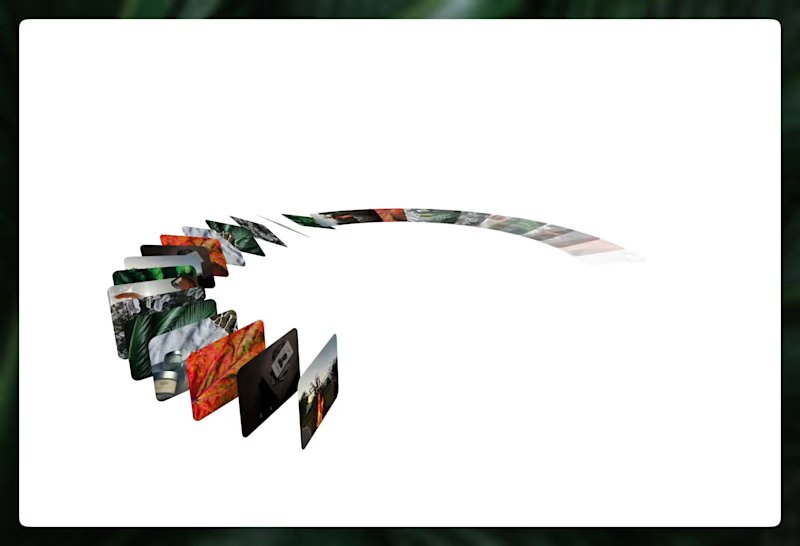
RING — Rotational Image Navigation Gallery Overview RING is a CSS 3D Framer component that arranges images into a continuously rotating ring viewed in perspective. Built over two days, it was inspired by a concept shared by @thebuggeddev and built as a statement about the underrated role of visual spectacle in web design. The kind of component that stops people mid-scroll and keeps them on the page longer than anything a conversion copywriter could write. The Challenge The challenge was building a smooth, performant 3D ring that could handle up to 96 cards, run a polished intro animation, and stay lightweight enough to live inside a Framer landing page without competing with the rest of the layout. Every card needed to sit correctly on the ring geometry, face outward, and move at a consistent speed regardless of frame rate. The Approach Unlike the other components in this suite, RING uses no WebGL or Three.js. The entire 3D environment is built on CSS perspective and transform-style: preserve-3d. Each card is positioned by rotating it around the Y axis by its index angle, then translating it outward along Z by the ring radius, then rotating it 90 degrees to face outward. The math is simple but the result reads as genuinely spatial. Images are provided as a source set of up to 12 items and repeated programmatically to fill the full card count. This keeps the property controls clean while allowing rings of 40, 60, or 96 cards without requiring the user to upload dozens of images. The Build Rotation runs through a requestAnimationFrame loop that uses delta time for frame-rate independent movement, so the ring spins at the same perceived speed on 60Hz and 120Hz displays. The intro animation runs in two overlapping phases controlled by React state. In the first phase, cards fade in with a staggered delay applied in reverse index order, so the ring appears to assemble itself outward from a single point. In the second phase, which starts at 30% into the fade sequence, the individual card tilt and the overall ring tilt animate to their resting positions simultaneously using a spring-like cubic-bezier curve. The overlap timing creates a single fluid motion rather than two separate steps. Framer's useIsStaticRenderer hook bypasses all animation logic during static export, so thumbnails and previews render instantly without getting caught in transition states. On Visual Candy RING sits in a category of components that are sometimes dismissed as decorative. The counter-argument is simple: time on page is one of the most reliable signals for content relevance, and nothing increases time on page like something that is genuinely pleasurable to look at. A rotating image gallery in a hero section does not replace good copy or a clear offer. But it earns the attention that makes those things possible. Used with intention, visual spectacle is a retention tool, not a distraction. The Result RING is currently pending Framer marketplace approval. The build reinforced that CSS 3D transforms, used carefully, can produce spatial experiences that feel comparable to WebGL at a fraction of the complexity and bundle cost.
2
152
Message
0
Bernd B
A Responsive Framer Template for Stunning Portfolios
0
9
Message
26
Studio Ilker
Oscar Pecher - Director and Designer
26
272
Message
0
Paul Jochum
Iyengar Yoga Innsbruck
0
19
Message
0
Rafael Rabl
riskonmind.eu (http://riskonmind.eu) — a website for an independent risk management consultancy serving the industrial sector. The brief: make a deeply technical service feel approachable without losing authority. Risk management lives or dies on trust, and the web is usually where it's lost first… dense paragraphs, stock photography + generic blue. We went the other way. Confident type, generous space, a single hero animation that visualizes "complex risk made legible." Bilingual (DE/EN), built in Framer.
0
187
Message
0
Beniamin Gherman
Premium Restaurant Website for a Prague-based business
0
11
Message
1
Caro di Lello
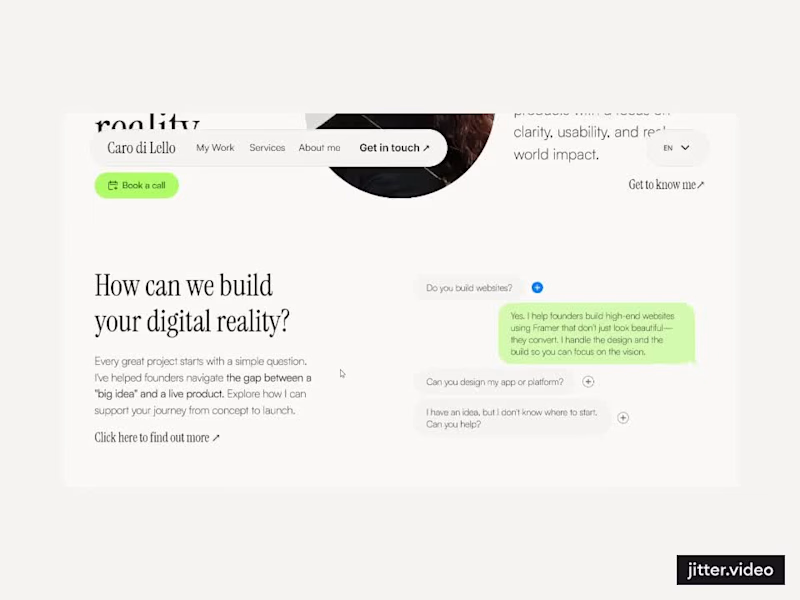
Got an idea but don't know where to start? 🙋♂️ My personal site is officially live! Come play with the interactive Q&A and see how I help founders bridge the gap between concept and launch. Web design, apps, and everything in between. 🚀
1
213
Message
2
Antariksh "Ryan" Borgohain
pro
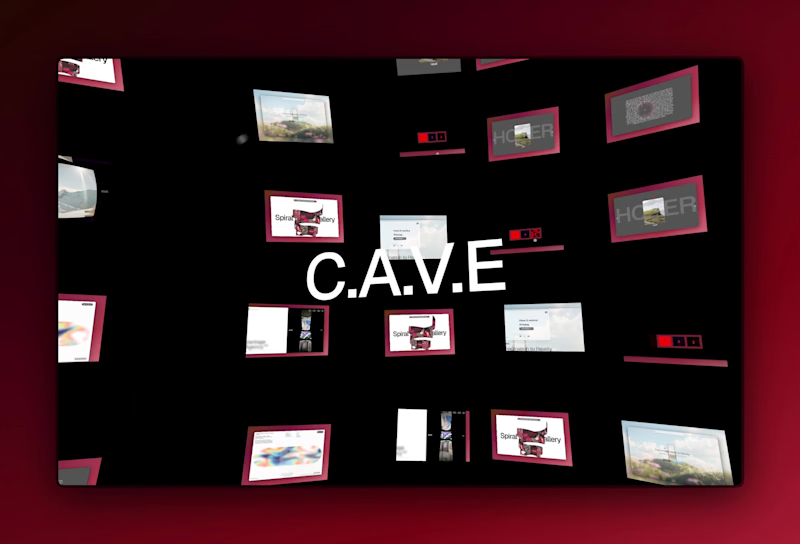
CAVE — Curved Adaptive Visual Environment Overview CAVE is a Three.js-powered Framer component that arranges images or videos into a curved 3D grid that reacts to cursor movement in real time. Built over two days starting April 1, it was designed as a high-impact hero or showreel component for sites that need something more spatial and immersive than a standard media grid. The Challenge The challenge was building a component that could handle both video and image media inside a curved 3D environment while staying configurable enough to work across different layouts and aesthetics. Every tile needed to sit correctly on the curved surface, face the right direction, and respond to cursor input in a way that felt physically coherent rather than just reactive noise. The Approach The curve is calculated mathematically per tile rather than using a pre-built Three.js geometry. Each tile's x and y position drives its z depth through a parabolic function, and its rotation is derived from the slope of that curve at its position. A separate vertical curvature parameter applies an additional curve along the y axis, allowing the grid to bow in two directions independently. Each tile carries randomised parallax and oscillation data assigned at initialisation. When the cursor moves, tiles shift by different amounts based on their individual parallax factor and a random directional offset, creating a layered depth effect rather than a uniform slide. An idle oscillation tied to a per-tile phase offset keeps the grid breathing even when the cursor is still. The camera uses a smoothed lookAt target rather than moving its position, so the perspective shift feels like the viewer turning their head rather than physically moving through the scene. The Build Video tiles use Three.js VideoTexture fed from dynamically created video elements, with autoplay, mute, and loop handled at initialisation. Images use the standard TextureLoader. Both paths share the same tile geometry and material system. Media sources can be uploaded directly or provided as external URLs through the property controls. The overlay header element responds to mouse movement through CSS 3D transforms applied in JavaScript, giving it a tilt effect that stays in sync with the 3D scene behind it. Cleanup on unmount pauses and unloads all video elements, disposes geometries and materials, and removes the renderer DOM node to prevent memory leaks. The Result CAVE is currently in active development. The component is desktop-focused by design, built for use cases where a high-fidelity, immersive media experience takes priority over mobile compatibility.
2
167
Message
0
Christian Hoffmann
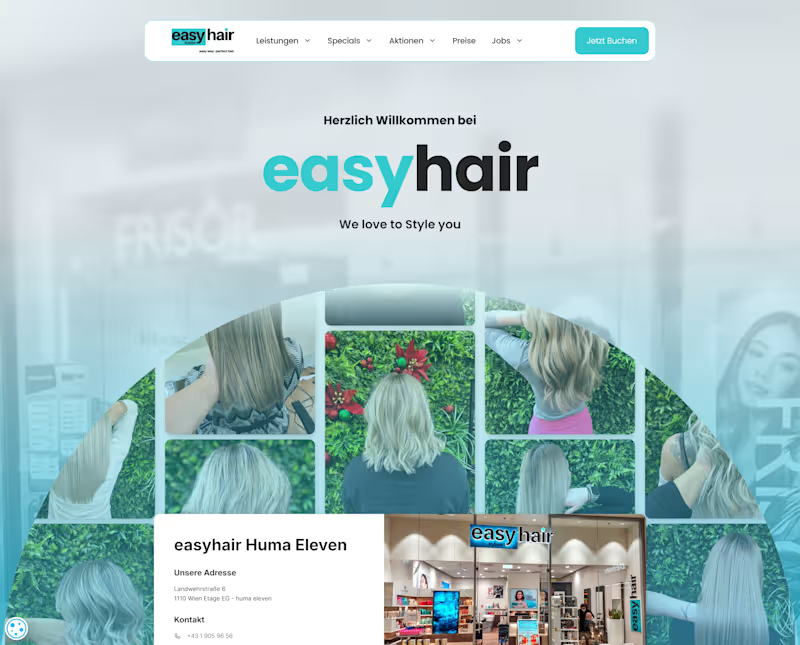
Local Barber Hair Salon
0
7
Explore projects