
Creative Video Editor | Social Media & AI Prompt Engineer
Creative Video Editor | Social Media & AI Prompt Engineer



I turn your SaaS UI into launch videos . Framer Expert
- 59
- Followers
I turn your SaaS UI into launch videos . Framer Expert

Most AI video looks like AI video. Here's how I avoided that.
I animated "Ekushe Ain", a 1923 Bengali satirical poem, as a test of
whether AI tooling can hold a specific visual identity across a full
3-minute piece.
The answer is yes, but not by default. The default output is smooth,
glossy and generic. Getting something with a point of view took:
— One locked style reference, re-applied to every single generation
— A hard colour rule: one saturated element per frame, nothing else
— Restrained motion, because over-animating breaks consistency
— Manual typography, because the models can't set Bengali
That's the same discipline I bring to product films at Studio
Barefoot. The tools are fast. The direction is what makes them worth
using.
#AIFilmmaking (https://www.linkedin.com/search/results/all/?keywords=%23aifilmmaking&origin=HASH_TAG_FROM_FEED) #CreativeDirection (https://www.linkedin.com/search/results/all/?keywords=%23creativedirection&origin=HASH_TAG_FROM_FEED) #ContentProduction (https://www.linkedin.com/search/results/all/?keywords=%23contentproduction&origin=HASH_TAG_FROM_FEED)
https://www.youtube.com/@pinkiai.studio
0
144
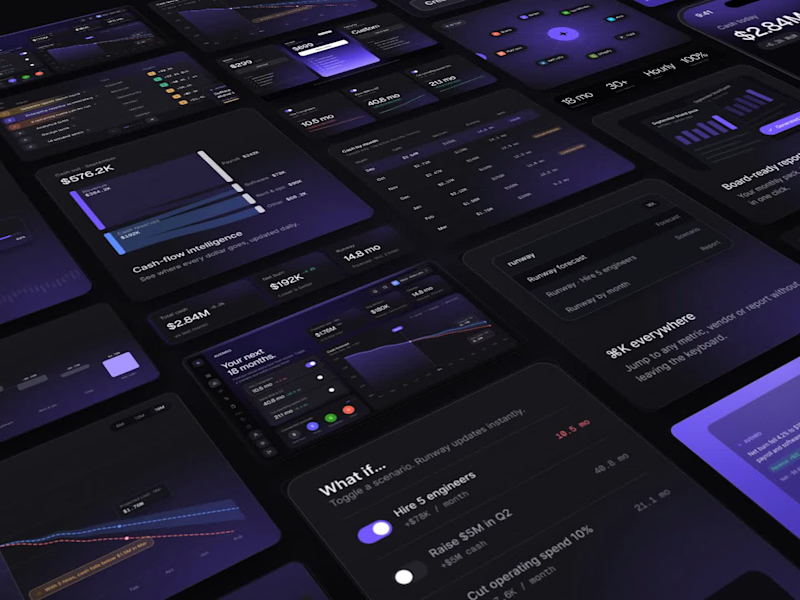
SaaS Product Explainer & UI Motion Video
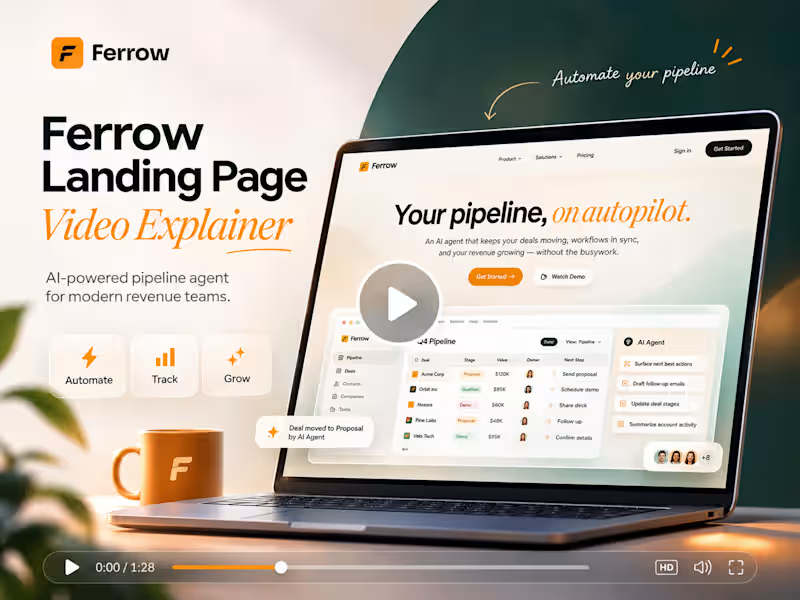
Your product is great, but static screenshots don’t show it. I turn your Figma designs into a motion video that shows how your product actually works and feels.
What I make
Launch explainer (45–60s, 16:9) for your landing page, Product Hunt or socials. Kinetic headlines, problem → solution story, feature reveals and a CTA end card.
Product walkthrough (30–45s). A cursor-driven demo: typing, search, sliders, toggles and page transitions, so people see real interactions, not just screens.
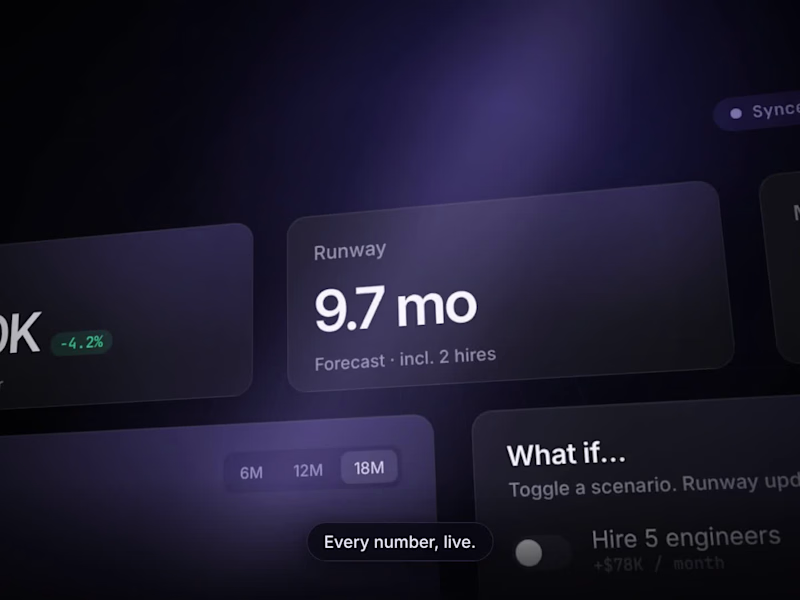
Dashboard story / teaser (10–20s). A short, looping 3D camera move across your UI with live counters, drawing charts and filling progress bars. Good for cover videos and ads.
How it works
You share your Figma file (or screenshots) and 1–2 reference videos you like.
I send a storyboard with scenes, timing and on-screen copy.
I animate and send a preview.
You give feedback, I revise, then deliver the final files.
Why work with me
I’m a product designer, so I rebuild key UI parts in code. Numbers count up, charts draw and buttons get clicked, instead of a slideshow of screenshots. The motion stays true to your design system: same colors, type and components.
Recent work: AVENRO, an AI financial intelligence platform. I made three videos for it: a launch explainer, a product walkthrough and a dashboard story.
0
47

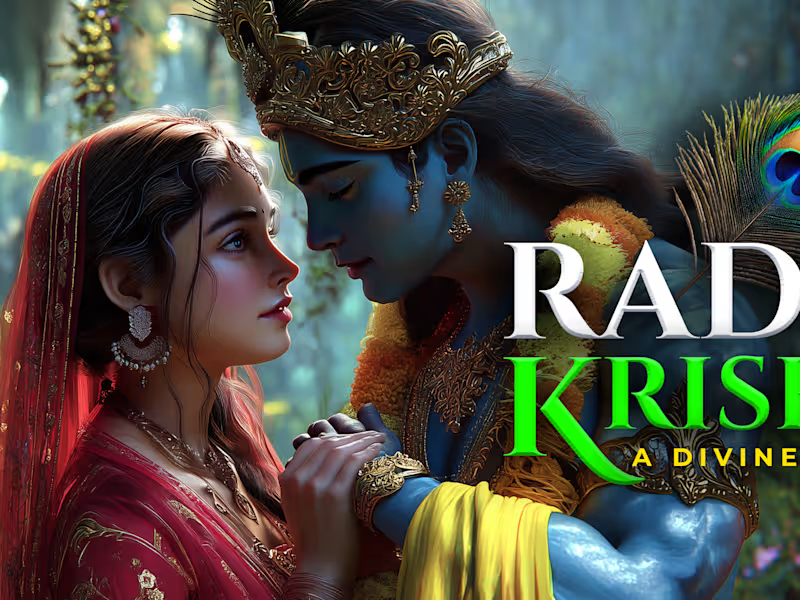
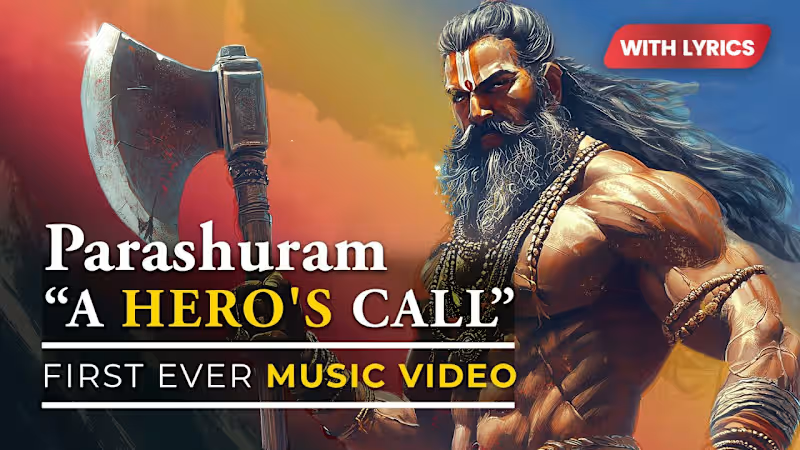
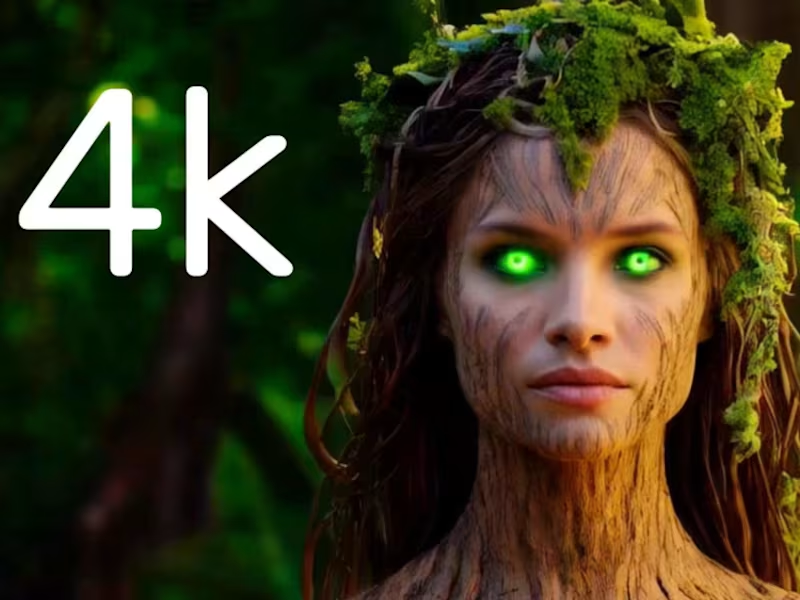
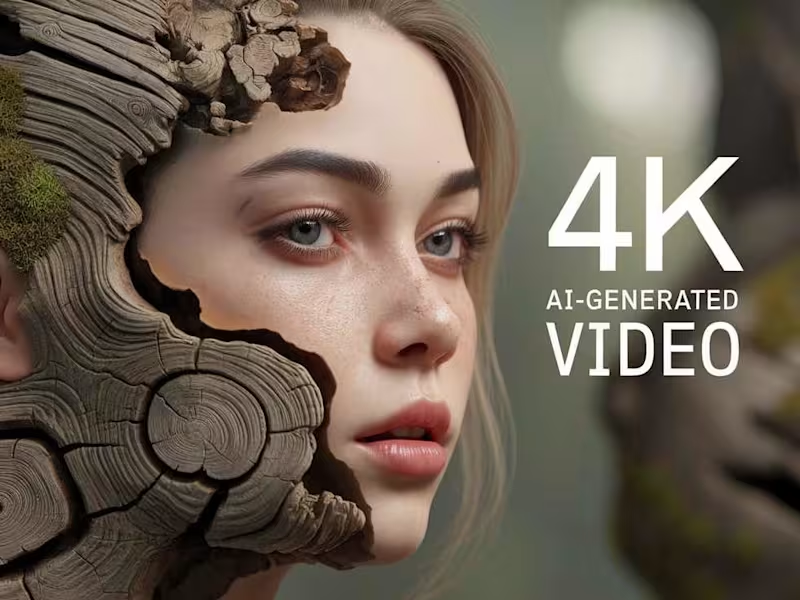
AI-driven animations: Hyper-realistic & 4K
AI-driven animations: Hyper-realistic & 4K

View more →